nanochat guide: what to know before training your own small LLM
Andrej Karpathy's nanochat connects language-model training with chat in one open-source project. Learn the installation workflow, practical GPU requirements and differences between code and data licenses.
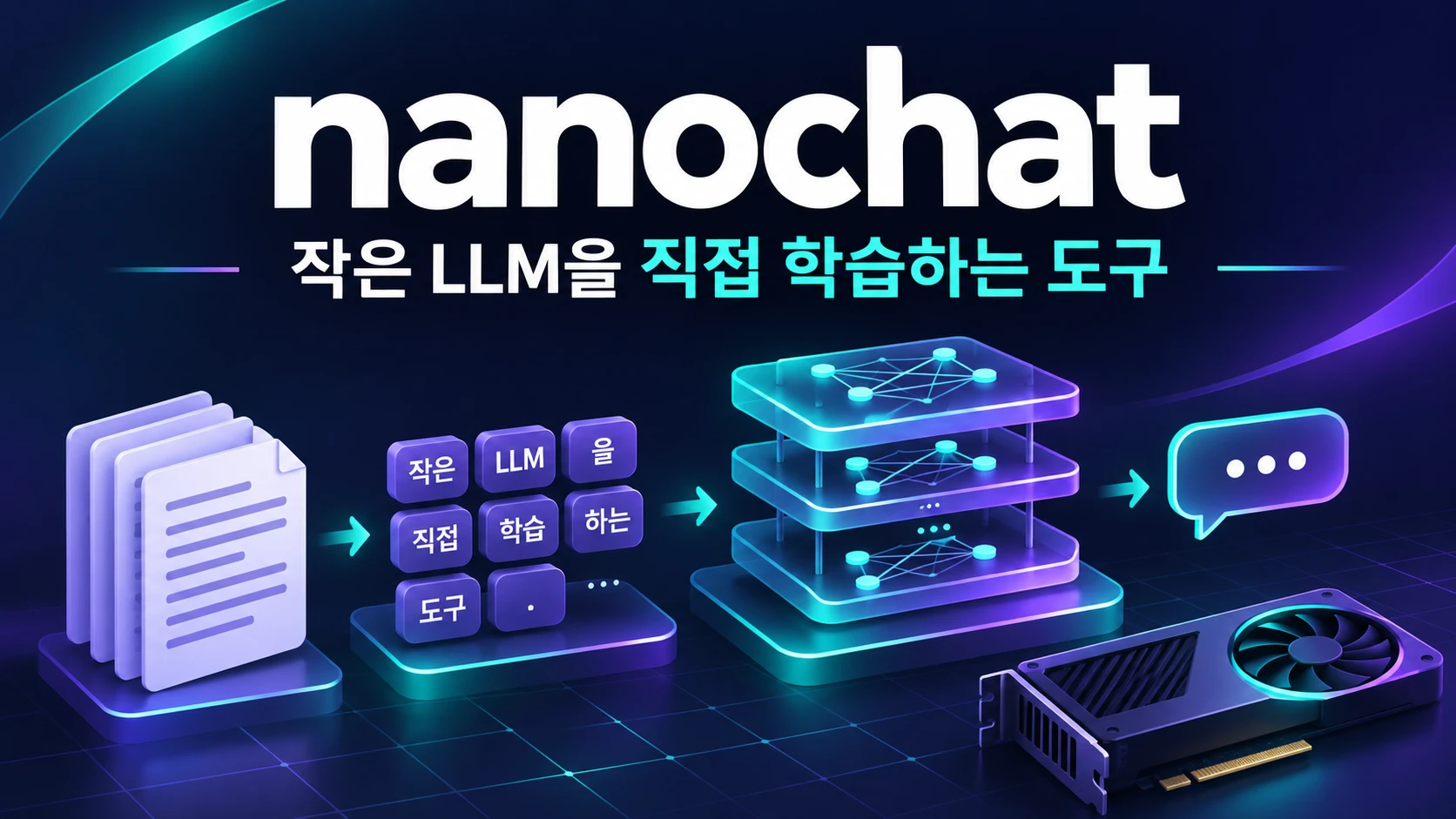
nanochat is an open-source language-model training project by Andrej Karpathy. Rather than a ready-made chatbot app, it is a compact development and educational codebase that connects data preparation, training, evaluation and conversation.
What can it do?
It is useful for developers who want to understand how language models are built or modify the training code. A finished AI service or a pretrained-model runner may be simpler for everyday writing and office tasks.
Tokenizer training and data processing
Language-model pretraining and conversational fine-tuning
Evaluation and command-line/web chat interfaces
Small experiments with different model depths
What does the '$100 ChatGPT' description mean?
The repository's tagline does not promise parity with today's ChatGPT. Current experiments include efficiently reaching GPT-2-level evaluation targets. Cost and time examples depend on particular rented GPUs and training settings; they are not promises for a personal computer.
Basic installation workflow
These commands assume Linux Bash, Python 3.10 or newer, Git and uv. Windows users should first prepare a suitable Linux environment and GPU support. Installing the code does not itself provide a trained chatbot.
1. git clone https://github.com/karpathy/nanochat.git 2. cd nanochat 3. uv sync --extra gpu 4. source .venv/bin/activate
Review the training data and settings before training. The official end-to-end example is bash runs/speedrun.sh. It targets eight H100 GPUs, so do not launch it unchanged on an ordinary PC. Once a compatible conversational checkpoint is ready, python -m scripts.chat_cli starts a command-line conversation.
For CPU/MPS dependencies, use uv sync --extra cpu and consult runs/runcpu.sh. That path uses a small experimental model with substantial speed and quality limitations. These instructions are based on official documentation; ST_STUDIO has not run or benchmarked the training.
Will it work on my graphics card?
Distinguish the official speedrun from personal-GPU experiments. The current speedrun enables FP8, and the training code describes that option as requiring H100 or newer hardware. Do not assume this configuration works unchanged on a consumer card such as an RTX 4070 Ti SUPER with 16GB of VRAM.
A single-GPU experiment requires reviewing model depth, batch size, precision and dataset size. Memory use, runtime and output quality depend on those choices. Learning with a small model and training a useful general-purpose chatbot from scratch are different goals.
MIT code does not make every dataset commercially unrestricted
The nanochat code uses the MIT license. Training data and distributed model weights have separate terms.
The current ClimbMix data path deserves attention. The karpathy/climbmix-400b-shuffle mirror has an MIT tag, while the original NVIDIA Nemotron-ClimbMix dataset is marked CC BY-NC 4.0. A different mirror tag should not be treated as removing the original noncommercial restriction. Before selling a model or using it in a commercial service, check the original terms, obtain permission if necessary, or use data licensed for the intended purpose.
An official nanochat-d32 checkpoint is also available. Follow its model card and check version compatibility rather than assuming an older checkpoint always works with the latest code.
Official creator video
This is Andrej Karpathy's general introduction to LLMs. It provides background on model training, but it is not a nanochat-specific installation tutorial.
Official sources
Official sources checked on November 4, 2026. The cover is an AI-generated conceptual illustration, not an actual application screenshot or benchmark result.
Comments
Korean and English comments appear together in their original language.
Loading comments…
Leave a comment
No account or email needed. Comments appear after administrator approval. Use a password you do not use elsewhere; there is no password recovery. Do not include personal information, links, images, or HTML. Privacy details