Gemini Notebook: Check the source before trusting the summary
What should you check after getting a summary? Start with a few public sources, narrow your question, open the citations, and save only the answers you have reviewed.

Cover image: AI-generated editorial illustration.
A summary can hide missing qualifications. This exercise uses three public sources to separate claims you have checked from questions that still need research.
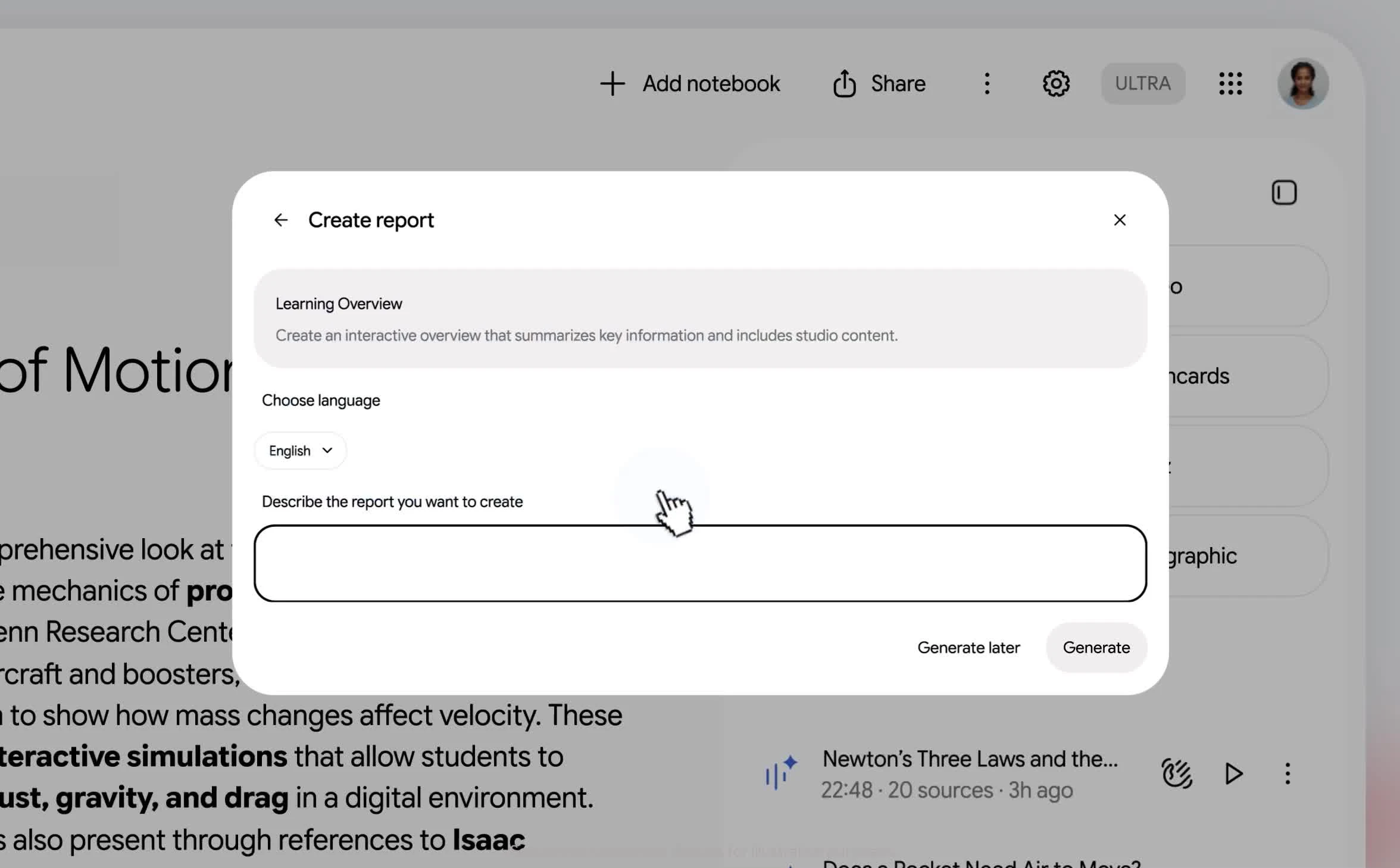
Source: Google. Google and Gemini are trademarks of Google LLC. This article is not sponsored, endorsed by or affiliated with Google.
Start with two or three sources
A Google account, a browser, and two or three PDFs, documents or public pages you have permission to upload. Leave customer data and unpublished briefs out of the exercise.
What to do after receiving a summary
1. Pick one question.
Create a notebook with a focused name such as “Research for the next video.” Do not add every project file at once.
2. Use Add sources.
Add a date or publisher to each source title. A web URL imports page text, not every image or embedded video. Source-import guidance
3. Select only the sources you want to compare.
Try: “List three shared claims and any differing conditions. Mark unsupported points as needing verification.”
4. Open the citations.
Check figures, dates and comparison criteria in their original context. Watch for different years or audiences being treated as equivalent.
5. Use Save to note after checking.
Saved responses retain citation links. Keep unresolved questions in a separate note to define your next research pass. Chat and citation guidance
A citation still needs checking
Try it for video-script research, interview preparation or comparing product documentation. A citation is not proof that the interpretation is correct. Check the underlying source too.
Check these settings before adding more material
You can start free, with a 50-source cap for free users. AI usage is compute-based rather than a simple question count; check Settings → Usage. Paid plans raise the allowance. Usage limits
Feedback from a personal account can include related material and be reviewed by people. Work and education accounts have different conditions; check the policy for your account before uploading. Privacy guidance
Official documentation checked October 27, 2026. Interfaces and allowances may change.
Comments
Korean and English comments appear together in their original language.
Loading comments…
Leave a comment
No account or email needed. Comments appear after administrator approval. Use a password you do not use elsewhere; there is no password recovery. Do not include personal information, links, images, or HTML. Privacy details